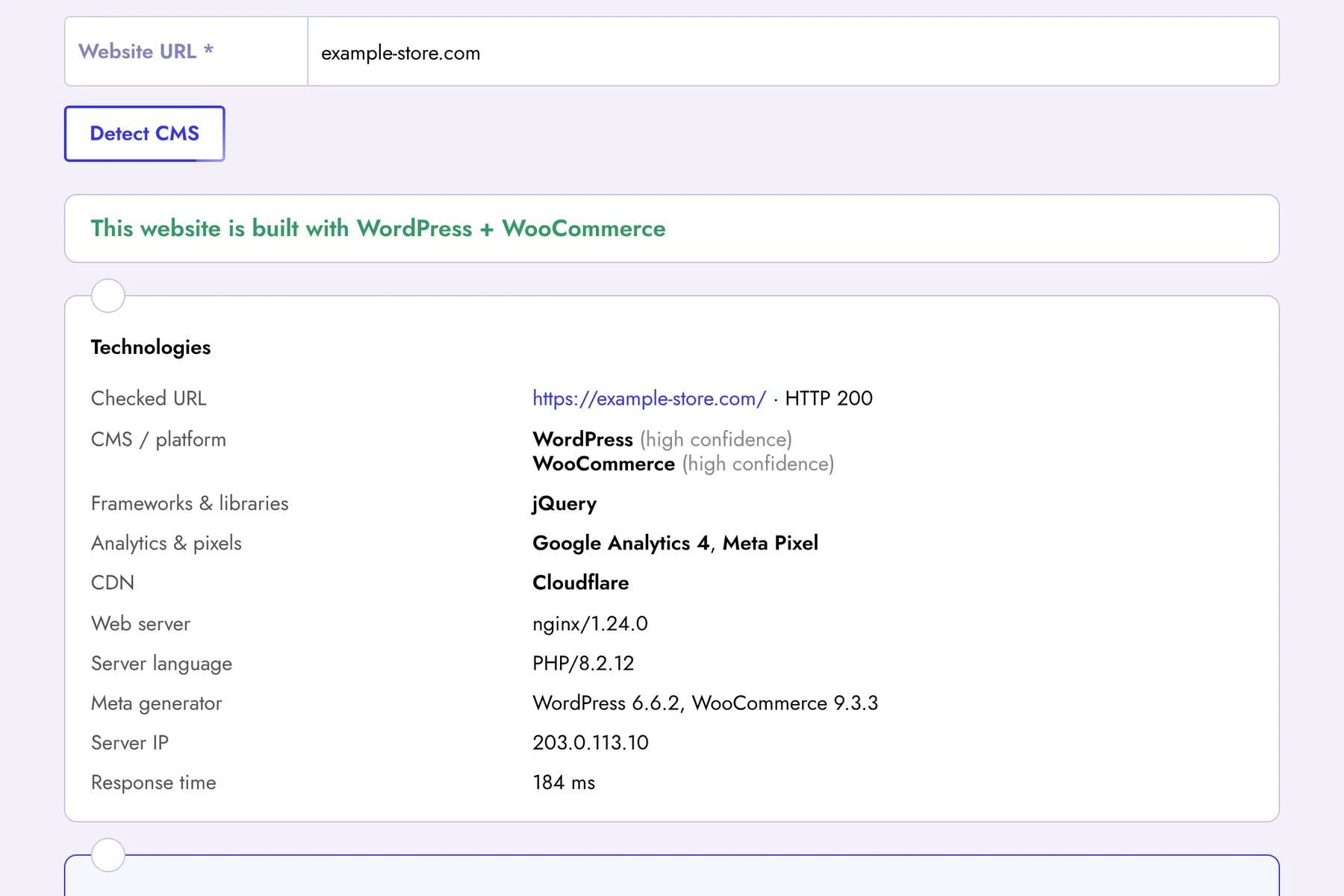
Want to know what a website is built with? Enter its address and the CMS detector will show the content management system or website builder, as well as frameworks, JavaScript libraries, analytics and advertising pixels, CDN and web server.
Which CMS and Technologies We Detect
- CMS and e-commerce platforms: WordPress and WooCommerce, Joomla, Drupal, Magento, Shopify, OpenCart, PrestaShop, 1C-Bitrix, MODX, TYPO3, Grav, Craft CMS, October CMS, Ghost, HubSpot CMS, Horoshop, Prom.ua;
- Website builders: Wix, Tilda, Squarespace, Webflow, Weebly;
- Frameworks and libraries: Laravel, Django, Ruby on Rails, ASP.NET, Next.js, Nuxt.js, Gatsby, React, Vue.js, Angular, jQuery, Bootstrap;
- Analytics and pixels: Google Analytics 4, Google Tag Manager, Meta Pixel, Microsoft Clarity, Hotjar, TikTok Pixel and others;
- CDN and hosting: Cloudflare, Amazon CloudFront, Fastly, Akamai, Vercel, Netlify, BunnyCDN;
- Server: web server, server-side language and its version, meta generator and response time.
How Detection Works
We load the home page the same way a browser does and look for well-known fingerprints: characteristic folders (for example /wp-content/ in WordPress), the generator meta tag, HTTP headers, cookies and script names. When several fingerprints match, the result is marked as “high confidence”. Some sites hide these signs on purpose — then the tool will report that no known CMS was found.
Why Know a Website's CMS
- Competitor research — see which platform successful competitors chose for their store or blog;
- SEO audit — every CMS has typical SEO problems: duplicate pages in OpenCart, tag archives in WordPress, filters in Magento;
- Sales and outsourcing — agencies and freelancers find clients who use a platform they specialize in;
- Security — an outdated CMS version shown in the generator tag is a reason to update.
Go Beyond the CMS: Audit the Whole Website
Knowing the platform is only the first step. Sign up for Seogismo to run a full SEO audit of any website, find technical errors typical for its CMS, analyze competitors' keywords and backlinks in Google, track your rankings and monitor your site 24/7. The platform works with all major CMS. Full access free for 7 days.
FAQ
Can I detect the CMS of any website?
Most websites can be identified by public fingerprints. Custom-built sites and sites that remove all traces of their CMS cannot be identified reliably.
Why do you check only the home page?
The home page contains the theme, scripts and headers that are enough to detect the platform, and the check stays fast.